Skip to content
MS Access Repair And Recovery Blog
  • Home
  • Repair Access
  • Fix Access Errors
  • Tutorial

file sharing lock count exceeded. increase maxlocksperfile registry entry

Mastering MS Access: Fix File Sharing Lock Count Exceeded (Error 3052) Like a Pro!

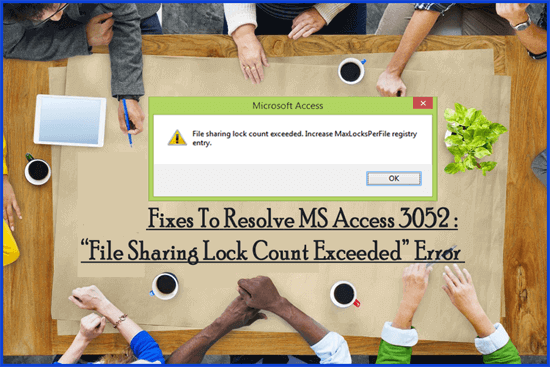
Access File Sharing Lock Count Exceeded

In the world of MS Access databases, users often try to share numerous files concurrently. However, when the limit of file sharing exceeds, they can encounter the dreaded error message – “file sharing lock count exceeded. Increase MaxLocksPerFile registry entry.”

Read more

Fix Access Errors

  • How To Fix MS Access Run-time 3146 ODBC Call Failed Error?
  • Workarounds To Resolve Access "2950 – Action Failure" Error Code!
  • How to solve Error 48: Error in loading DLL?
  • Instant Fixes To Resolve Access Database Error 3049
  • Top Fixes To Repair MS Access 3343 "Unrecognized Database Format" Error!
  • Resolve Access 1919 – configuring ODBC data source Error
  • [Solved]: How To Fix Microsoft Access Runtime Error 3024
  • How to fix '80004005' Error Message in MS Access Database?
  • How To Fix MS Access Run-Time Error 3061 OpenRecordSet
  • How to Fix Microsoft Access Error 3045 More posts...
About Us | Affiliate Disclosure | Contact Us | Privacy Policy | Terms of Use | EULA
Copyright © 2014-2026, Access Repair N Recovery | All Rights Reserved