
The “Enter Parameter Value” error occurs in Microsoft Access when trying to run a report, form, or query in the database. This error dialogue box may appear unexpectedly and can frustrate users. Thus, if you are one such user and your Access cannot recognize a field, query, or parameter, don’t fret. In this article, you will learn how to solve enter parameter value Access error using 5 easy ways.
Fix Access Errors
Fixed- Access Error Can’t Find Language DLL msain.dll with 8 Methods!
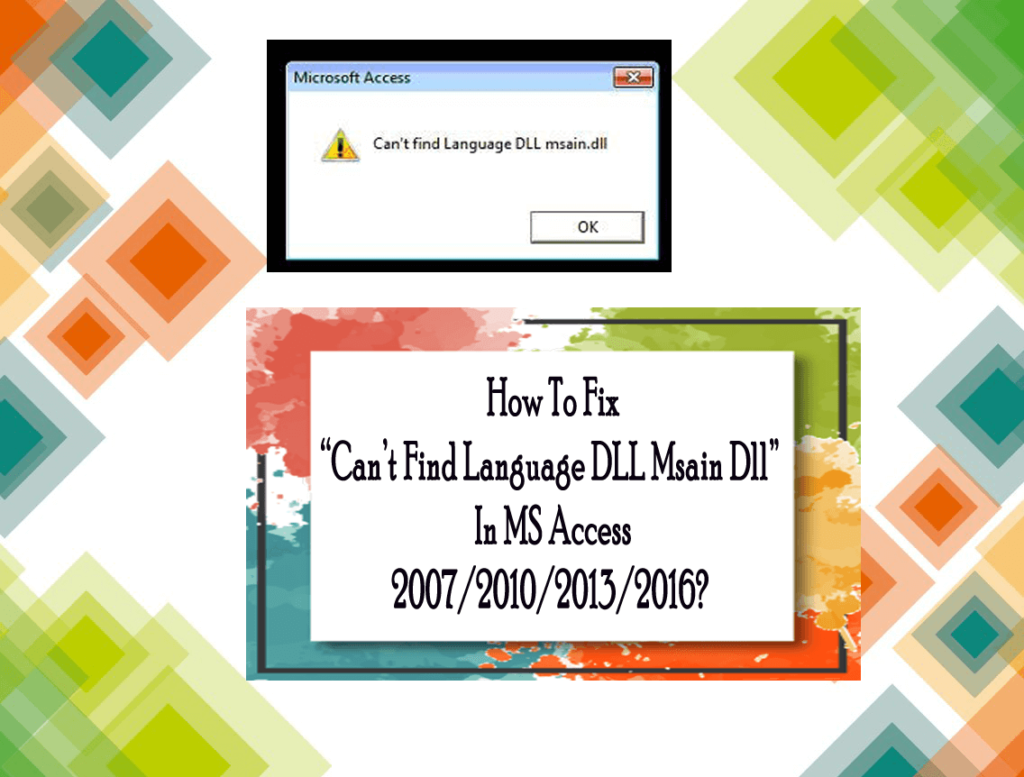
You may face the “Can’t Find Language DLL msain.dll” error when using Microsoft Office or Access. This annoying error often occurs during startup or when opening database files. It arises due to various reasons, including missing or corrupted system files. Regardless of the reasons, it can be easily fixed using some hand solutions. In this blog, I will explore the intricacies of this error, its roots, and how to troubleshoot it for a seamless database experience.
MS Access The Expression on Load You Entered as the Event Property Error- Solved!

Microsoft Access often uses events to control what happens when a form opens, loads, or closes. One common warning message users face is: “The expression On Load you entered as the event property setting produced the following error.” This error generally appears when the macro is missing, the event procedure is misconfigured, or the function name is invalid. However, solving it quickly ensures your forms run smoothly.
Access the Expression After Update You Entered Error – 6 Simple Fixes!

Microsoft Access often shows the error message “The expression after update you entered as the event property setting produced the following error” when there’s a problem with a form control’s event procedure. This issue commonly arises after updating a combo box, text box, or checkbox. In this blog, you will learn how to fix this error along with the major reasons.
Microsoft Access “There Was an Error Executing the Command” – Do THIS to Fix It!

Well, it’s not surprising to come across errors when handling VBA code in Access databases. One such warning message you may face when executing a command is- “There was an error executing the command.” This error usually occurs when a macro or button fails to execute a command. In this blog, I will discover the major factors of this error along with feasible solutions to get rid of it with less effort.
Solving Access Database Not Showing Images!

While handling an MS Access database, users often encounter issues. One such problem that you may face is- Access database not showing images. This particular issue is usually encountered when viewing the images in a report or form that uses a Bound Object Frame control. This leads to the problem of the OLE objects not being displayed. In this blog, you will learn various solutions to solve this, along with the major factors.
Fixed- Microsoft Access the Record Cannot Be Deleted or Changed Because Table!

Stuck with the error message “Microsoft Access: The record cannot be deleted or changed because table includes related records.”? Well, this warning message can appear while deleting or updating a record in the Access database. It’s caused by referential integrity settings in linked tables and is protecting related data in other tables.
Fixing Attachment Control Is Not Working Issue in Access!

Being an Access user, you must have heard about an excellent feature that allows you to add attachments to the records or fields in the database form. But sometimes, you may face attachment control is not working, which restricts you from adding an attachment field to a form/report using VBA code. But don’t panic, this article delves into methods that can potentially help you fix the MS Access attachment control not working issue effectively.
9 Ways for MS Access 3035 System Resource Exceeded Error!

Stuck with the peculiar Access 3035 system resource exceeded error? Well, this message occurs when MS Access runs out of certain resources of a system. This can happen while executing complex queries, running forms, or accessing large databases.
Fixing Microsoft Access Database Not Updating Issue- 2025 Guide!

Is your MS Access update query not working? This occurs when you attempt to update data in an Access table, query, form, record, or other object. However, facing this issue can be frustrating, and it can be fixed easily with some proven solutions. In this exclusive guide, you will learn various ways to resolve the Microsoft Access database not updating issue quickly and with minimal effort.