
Have you ever been working on an Access database & suddenly stuck with the peculiar error, “You can’t save this record at this time“? Well, it is annoying to encounter this error, especially when you aren’t able to save your critical work. Fortunately, there are some effective methods available to fix it. This blog aims to shed light on why Microsoft Access you can’t save this record at this time error (2169) occurs and how to solve it effortlessly.
Secrets to Resolving “Type Mismatch in Expression” Access Error (3615)

Many Access users have reported the “Type mismatch in Expression.” error when trying to create database queries, forms, or import & export data from/to external sources. Thus, if you are one such who is facing the same error message, this article is for you. In this write-up, we will explore what type mismatch in expression Access error means, why it occurs, and, most significantly, how to troubleshoot it with less effort.
Fixed- Error 3051 “The Microsoft Access Database Engine Cannot Open or Write to The File”!
Encountering an error message “The Microsoft Access database engine cannot open or write to the file” can be a frustrating experience, especially if you’re in the middle of a critical task. This error occurs when trying to connect the database to external sources like Excel, SQL, etc. It can halt your workflow and cause significant delays. In this blog, we’ll delve into the details of this error, understand its causes, and easy solutions to fix it.
How to Fix Access “Data Cannot Be Inserted Because There Is No Matching Record” Error?

Suppose, you’re working on an important Access database, and suddenly you hit a wall: “Data cannot be inserted because there is no matching record.” Frustrating, right? Well, it is important to understand this error for maintaining a smooth and efficient database system. So, let’s dive into what causes this peculiar error and how to fix it in no time with less effort.
Is Your MS Access Linked Table Manager Not Working? Fixes Here!

In this blog, we are going to deal with a hectic problem that is- MS Access Linked Table Manager not working. This issue is often encountered by users when they try to export a list of linked tables to other sources like Excel applications. However, Access linked table manager greyed out or not working is an annoying problem hence, it should be fixed ASAP.
MS Access Update Query Not Working Issue – How to Fix It!

Microsoft Access users often update their data in the queries and forms of databases. But sometimes, users fail to update query in Access from another table for unexpected reasons. This can be frustrating and it is vital to understand why MS Access update query not working and how to fix this issue to maintain the integrity & efficiency of your database acts. All the crucial information about this problem is covered in this post.
How to Convert ACCDB to MDB – MS Access Database Tips!
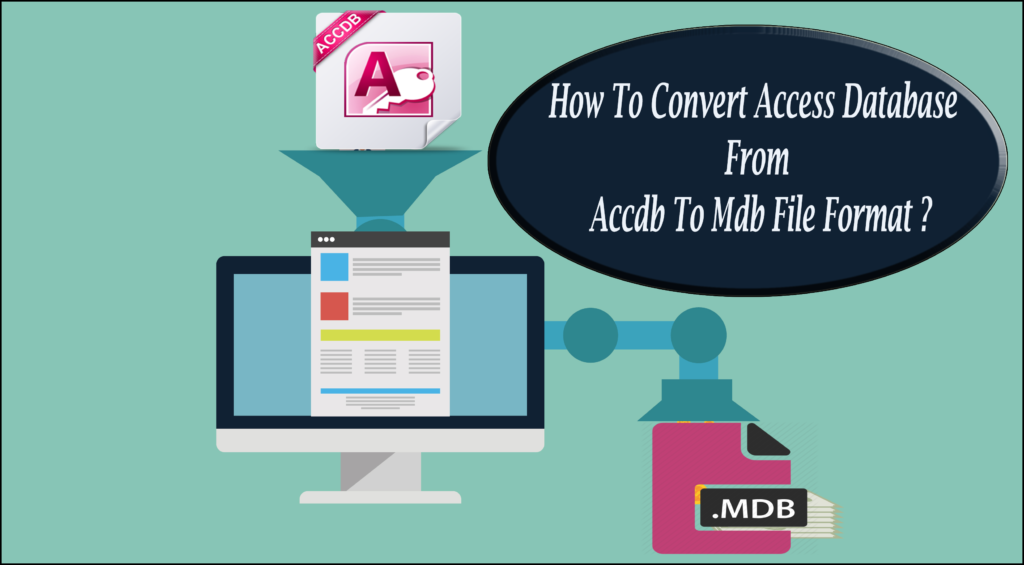
Have you ever faced the challenge of requiring to convert ACCDB to MDB format? Maybe you’re working with an older database system, or perhaps you’re looking to integrate data into a legacy application. Whatever the reason, converting MS Access .accdb to .mdb can be a crucial task. In this blog, we will walk you through the process, step by step, ensuring you have all the information you need for a successful conversion.
Seamless Migration: Convert MS Access to SQL Server Easily!
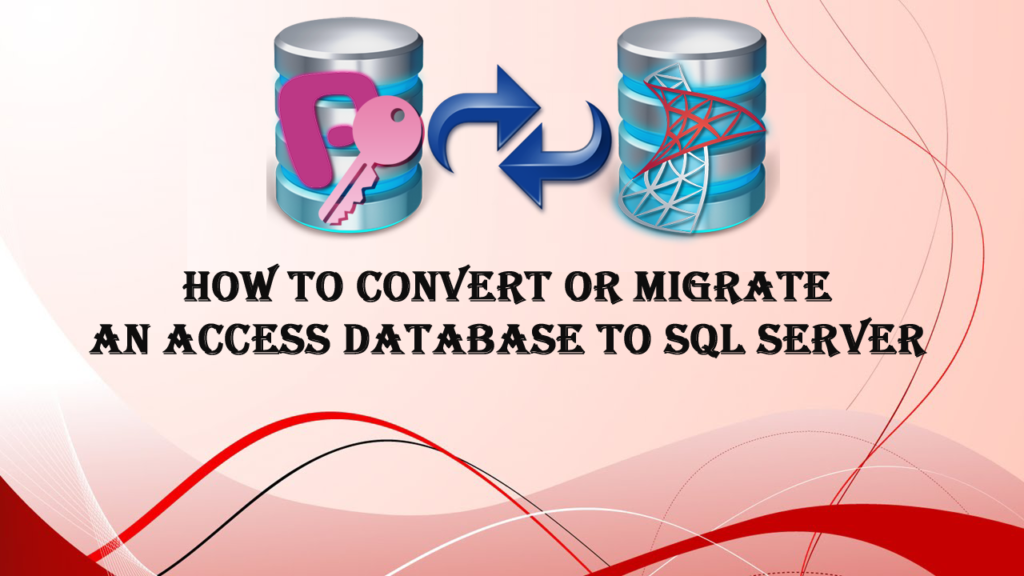
Are you thinking about converting your Microsoft Access database to SQL Server? If yes, you’re not alone. Many businesses face this situation as they grow and their data needs become more complex. To handle such a situation, it is vital to convert MS Access to SQL server. In this blog, we’ll walk you through the entire process, from understanding why you should do so and the steps involved in access to SQL server migration.
MS Access Macro Single Step Error 2001: 6 Quick Troubleshooting Tips

MS Access is an outstanding software that allows users to create and manage databases with ease. One of the key features that make Access so versatile is its ability to automate tasks through macros. Sometimes, when using VBA codes or Autoexec macro to create a directory in the database, it shows MS Access macro single step error 2001.
How to Fix MS Access External Table Is Not in The Expected Format (Error 3274)?

MS Access external table is not in the expected format (error 3274) can be a real nuisance for anyone working with Access databases. This warning message pops up when importing data from other external sources like Excel. However, it is vital to understand the causes and resolutions of this error to maintain the integrity & functionality of your database.