
Just imagine, you are working diligently on your Microsoft Access database, and all of a sudden, a peculiar message appears – “Run-time error ‘3048’: Cannot open any more databases.” At that time, you definitely get worried about what just happened and how to get rid of it. Fear not, as we are here to help you troubleshoot the MS Access error 3048 cannot open any more databases & guide you through the entire process of resolution.
Free Access Database Repair Tool for Corrupted Databases

In this data management era, Microsoft Access has become a popular choice for creating & managing databases. However, like any other software, Access databases are also susceptible to corruption and issues that can result in data loss. Well, in this optimized post, you will learn how to repair corrupt Access database files using the Free Access Database Repair Tool. Also, you will know the common causes of database corruption and preventive tips to minimize corruption in your Access databases.
Mastering Subscript Out of Range Access: The Ultimate Guide
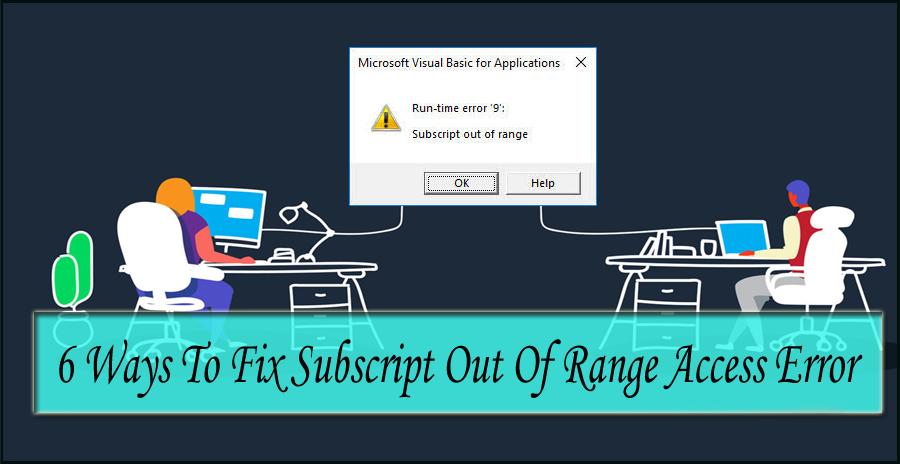
Stuck with the Access runtime error “Subscript out of range” when attempting to import the Excel database to the MS Access database? If yes, then don’t fret. This write-up contains some effective workarounds to fix subscript out of range Access along with other crucial info including the major reasons behind this error. Also, it describes the best Access Repair Tool to repair the corrupt Access database file & restore the database to its original form.
Don’t Miss This! How to Fix Access Error 1919. Configuring ODBC Data Source?

Welcome to this blog! In this guide, we’ll delve into the world of ODBC Data Source Configuration in MS Access, providing you the ample information about the notorious Access error 1919. configuring ODBC data source. Here, you will also learn the common causes of this error and some effective workarounds to troubleshoot it. Here’s the complete error:
Revive Your Work: Troubleshooting Microsoft Access Not Responding!

Microsoft Access is a vital application for enterprise & business users to manage their data efficiently. But sometimes, while working on the Access database, it may fail to respond. This can be a sarcastic situation as it makes the situation worse and hampers your work significantly. Thus, if you often face Microsoft Access not responding, then this blog will be the savior for you.
Expert Tips- Microsoft Access Has Detected Corruption in This File (29072)
MS Access is a commonly used DBMS, known for its user-friendly interface. Like any other software, it is not immune to errors & problems. One such error message that users often encounter is- “Microsoft Access has detected corruption in this file.“
Troubleshooting Access Database Engine Cannot Find the Input Table or Query (Error 3078)

Several users are experiencing “the Microsoft Access database engine cannot find the input table or query” error message when trying to access a specific table or query that is missing from the database. It also appears when attempting to update the Access version. However, the error is quite annoying and it should be addressed ASAP.
5 Hacks You Can’t Miss to Fix Access “ID Is Not an Index in This Table” Error
Microsoft Access users often encounter errors or issues when executing certain tasks. One of the most common errors is- “id is not an index in this table.” which occurs when trying to open a specific Access database that is corrupted. This peculiar error message is really annoying and can leave you wondering how to fix it.
SQL Server Does Not Exist or Access Denied- 9 Troubleshooting Methods
The error message “dbnetlib connectionopen (connect()). SQL server does not exist or access denied” occurs when trying to connect to the Microsoft SQL Server. It stipulates that the SQL Server database you are attempting to access cannot be found or prevent the connection. However, it is really challenging to identify the exact cause behind the error.
[Tested] Fix Microsoft Access Has Detected That This Database Is in An Inconsistent State Error
As we all know, MS Access is a renowned DBMS (Database Management System) produced by Microsoft. It is mainly used due to its excellent features & user-friendly interface. Like any other software, Access is not insusceptible to errors or issues. One of the errors that users often come across is- “Microsoft Access has detected that this database is in an inconsistent state….” Here’s how it looks like: