
Converting an Access database to PDF improves data security, ensures easy sharing, and maintains document integrity. Though a PDF file is universally accessible & prevents unauthorized edits, making it an ideal format for reports and records. Thus, if you are willing to convert Access report to PDF file, you are at the right place. Here, you will learn step-by-step methods for the conversion process.
Fixed: Microsoft Access Error 3343 Unrecognized Database Format!
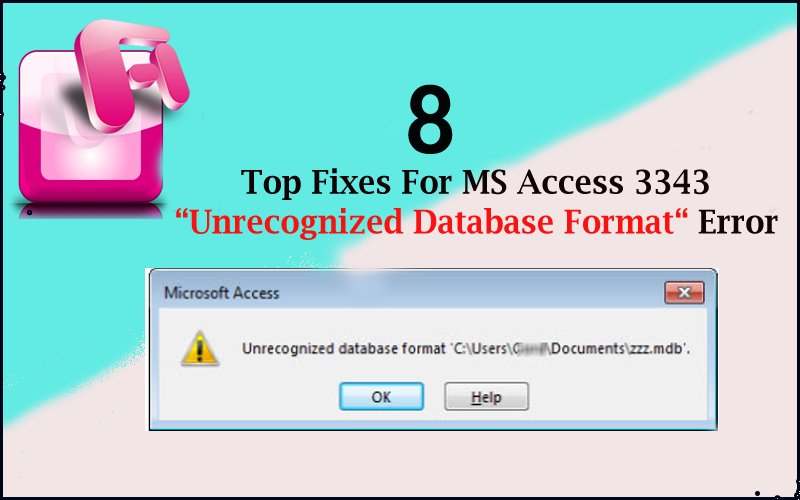
While handling Access database MDB file, you may encounter run time error 3343 unrecognized database format. This message prevents access to the database, causing disruptions in operations. In this blog, I will mention the possible causes and some quick resolutions to Microsoft Access error 3343 unrecognized database format successfully.
6 Methods for MS Access Runtime Error 6 Overflow!- (2025)

MS Access runtime error 6 overflow occurs when working with VBA (Visual Basic for Applications) code in the database. This error message typically arises when you try to assign a value too large for performing a mathematical operation in the VBA code. However, facing this error can be frustrating as it hinders you from performing calculations in Access. Therefore, I have equipped a helpful guide that explains all about Access run time error 6 overflow and their step-by-step methods to solve it.
Microsoft Access: The Active Content in This File is Blocked – Fix It Now!

While handling the Access database, you may encounter “Microsoft Access the active content in this file is blocked review your trust center…” This warning message occurs because Microsoft prioritizes security. Blocking active content prevents potentially harmful code from executing. In this blog, you will learn why Microsoft Access the active content in this file is blocked error takes place and how to troubleshoot it with less effort.
MS Access Convert ADP to ACCDB Without Losing Data!
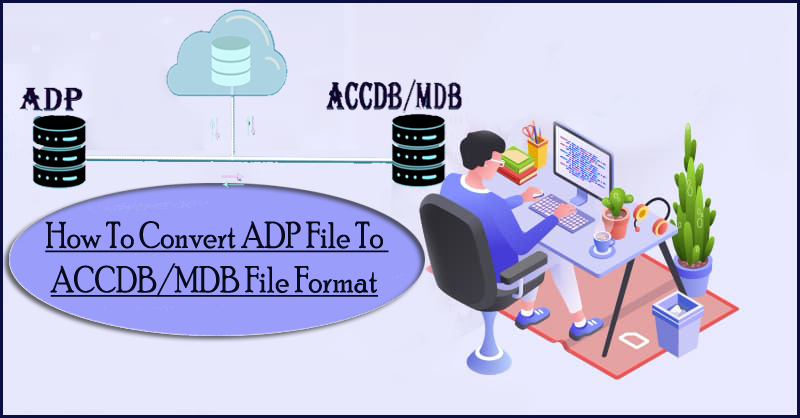
We are unaware of the fact that .adp (Access Data Projects) files are no longer supported in MS Access database version 2010/2013/2016. These files are used with Access and can of course opened with programs too but only if you are running an older version of the Access database like 2002/2002/2003/2007. However, to work such files in a newer version you will have to convert Access ADP to ACCDB file. In this blog, I will cover .adp to .accdb conversion process to make your old file openable smoothly.
5 Ways for Access Record(S) Cannot Be Read; No Read Permission On ‘Xxxx’ (Error-3112)

Facing the “Record(s) cannot be read; no read permission on ‘xxxx’” error can be frustrating while handling the Access database table. This warning message often arises due to insufficient permissions, corrupted files, database restrictions, or user role limitations. Luckily, this error can be easily solved with the right approach.
The Ultimate Guide: Fixing MS Access Unknown Error!

Microsoft Access users often encounter “Unknown” errors while handling the databases. This error usually arises from conflicting settings, corrupted files, or compatibility issues. However, it is important to extract the common reasons for better resolutions. Here, we’ll explore the major factors and practical steps to identify and resolve the MS Access unknown error.
Fixing MS Access Object Dependencies Not Working or Missing Issue!

Working on a complex and interconnected structure database can be hectic if you don’t do smart work. In that case, making use of MS Access’s significant features i.e. “Object Dependencies” is the smartest option. This feature helps you to keep track of all the interconnected objects present in your Access database. But sometimes, Access object dependencies not working due to some reasons. In this blog, I will mention the common causes and quick fixes to tackle this situation effectively.
How to Create an Input Mask in Access? – 2025 Guide!

An input mask is an excellent feature that ensures users enter data in a specific format. It assists in maintaining data integrity and reducing errors in fields like name, phone numbers, dates, and postal codes. But sometimes, users need to create an input mask in Access. In this blog, I will discuss everything you need to know about input masks and most importantly how to make input masks in Access in no time.
How to Convert MS Access To Web Application?

Microsoft Access is a commonly used database management tool, but in today’s web-driven world, transitioning to a web-based application can provide improved accessibility, scalability, and efficiency. This means you can run and browse your Access database from anywhere and from any device you want. In this blog, you will learn why it is necessary to convert MS Access to web application and how you can do so.