Masterclass Solutions: Microsoft Access Error 7960 Unveiled

Microsoft Access Error 7960

Microsoft Access error 7960 is a notorious hiccup that disrupts the normal performance of a program, causing unexpected behavior and data loss. Well, in this blog, I will explore the depths of this runtime error, discovering its reasons, and prominently, how to troubleshoot it. Here’s how the error actually looks like:

Read more

Crack the Code ‘3709’: Fixes for Access the Search Key Was Not Found in Any Record Error

Fix MS Access Search Key Was Not Found In Any Record Issue

When working with Microsoft Access databases, you may encounter the dreaded warning message “The search key was not found in any record.” This hiccup can interrupt the normal functioning of your database, leading to severe data loss. In this optimal blog, we will explore the intricacies of this error, know its origins, and how to fix this run-time error ‘3709’ and resume your work. Here’s the real interface of this error:

Read more

8 Epic Solutions: Fix Access ‘There Isn’t Enough Memory to Perform This Operation’ Error

there isn't enough memory to perform this operation

Imagine you are working on an important project in Microsoft Access, and all of a sudden, you come across the dreaded error message “There isn’t enough memory to perform this operation.” Frustrating, right? Well, in this blog, I will converse insights into this error, its common causes, and other imperative information including the troubleshooting methods to ensure smooth operations in your MS Access database.

Read more

7 Unbelievable Hacks to Solve Access Database Error 2542 Instantly!

Fix Access Database Error 2542

Encountering errors and issues while handling the MS Access database can be a major roadblock in the smooth functioning of any organization’s processes. One such error that users often encounter is- Access Database error 2542. It usually arises when there is an issue with the file referencing. Well, in this post, we’ll delve into the intricacies of this error, its common causes, and most significantly, how to solve it.

Read more

Fix it Fast: The Form Name Is Misspelled or Doesn’t Exist (Error 2102)

the form name is misspelled Access

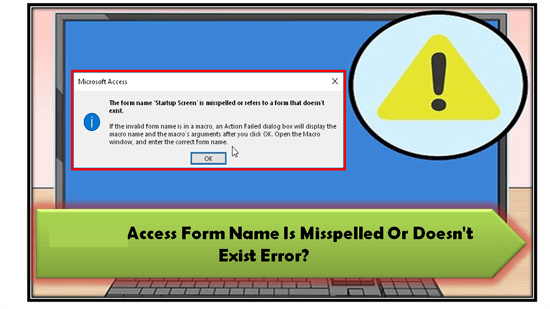
In Microsoft Access, encountering errors & corruption is inevitable. One such error message that users often face is the “Microsoft Access: the form name is misspelled or refers to a form that doesn’t exist.” In this write-up, I will delve into the details of this error, discovering its causes, and most significantly, working solutions to solve this error for seamless user experience.

Read more

Insider’s Guide to MS Access Error 3048 Cannot Open Any More Databases

MS Access error 3048 cannot open any more databases

Just imagine, you are working diligently on your Microsoft Access database, and all of a sudden, a peculiar message appears – “Run-time error ‘3048’: Cannot open any more databases.” At that time, you definitely get worried about what just happened and how to get rid of it. Fear not, as we are here to help you troubleshoot the MS Access error 3048 cannot open any more databases & guide you through the entire process of resolution.

Read more

Mastering Subscript Out of Range Access: The Ultimate Guide

6 Ways to Fix Subscript Out Of Range Access Error

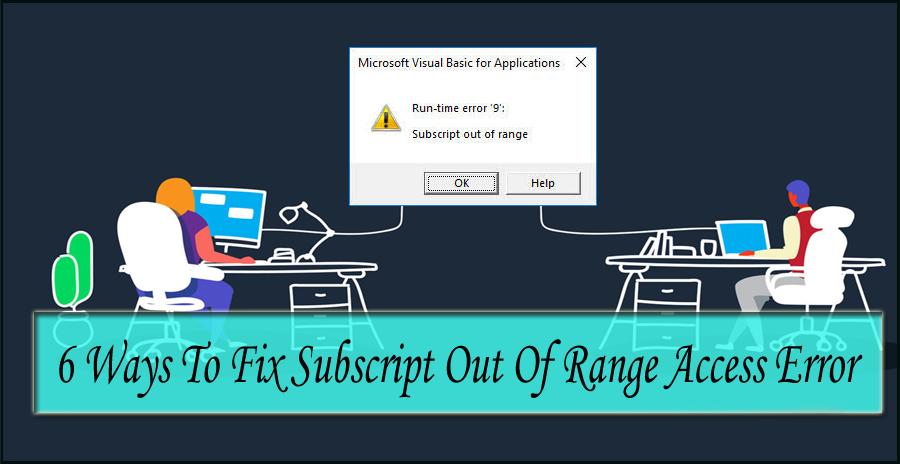
Stuck with the Access runtime error “Subscript out of range” when attempting to import the Excel database to the MS Access database? If yes, then don’t fret. This write-up contains some effective workarounds to fix subscript out of range Access along with other crucial info including the major reasons behind this error. Also, it describes the best Access Repair Tool to repair the corrupt Access database file & restore the database to its original form.

Read more

Don’t Miss This! How to Fix Access Error 1919. Configuring ODBC Data Source?

Resolve Access 1919 - configuring ODBC data source Error

Welcome to this blog! In this guide, we’ll delve into the world of ODBC Data Source Configuration in MS Access, providing you the ample information about the notorious Access error 1919. configuring ODBC data source. Here, you will also learn the common causes of this error and some effective workarounds to troubleshoot it. Here’s the complete error:

Read more

Revive Your Work: Troubleshooting Microsoft Access Not Responding!

Microsoft Access not responding

Microsoft Access is a vital application for enterprise & business users to manage their data efficiently. But sometimes, while working on the Access database, it may fail to respond. This can be a sarcastic situation as it makes the situation worse and hampers your work significantly. Thus, if you often face Microsoft Access not responding, then this blog will be the savior for you.

Read more